

What we’ll cover:
- What GPS tracking with video actually changes
- What your data answers, and what it leaves open
- What the video layer adds inside FleetLive
- Five things GPS tracking with video changes
- Signs your fleet has outgrown GPS-only tracking
- What this looks like for current BrickHouse GPS customers
- Add cameras to your BrickHouse GPS account
GPS Tracking With Video: 5 Things That Change
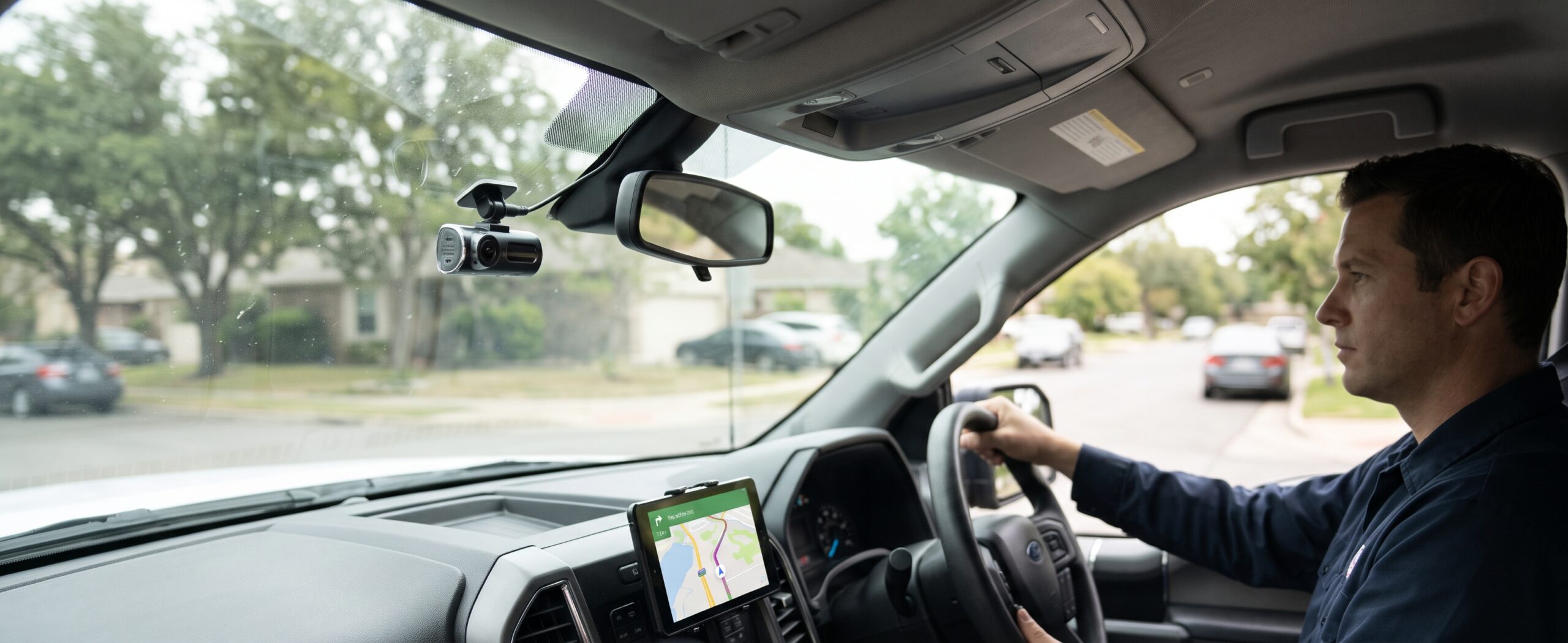
A harsh-braking alert comes in on a residential street. You know which vehicle, where it happened and how fast it was going. You don’t know why.
So you call the driver. He says a car pulled out. Maybe it did. You write it down, close the alert and move on, and the only record of what happened is one person’s account of it recorded after the fact.
That’s the gap GPS tracking with video closes. Location data tells you an event occurred. Video tells you what caused it, which is the part that decides if anything needs to change.
This piece is for the manager who already lives in GPS reports and keeps closing alerts without an answer.
What GPS tracking with video actually changes

It converts alerts into answers. Instead of a data point that needs a follow-up call, you get the position, the speed and the fifteen seconds of road that explain both. The investigation that used to take a phone call and a judgment call takes a click.
The underlying categories are worth separating, and our comparison of GPS trackers and telematics covers that ground. What follows is about the layer on top. True dash cam and GPS integration means the camera feeds the same platform your tracking already runs in, so a single event carries its location, its speed and its footage together.
What your data answers, and what it leaves open
| The situation | What GPS answers | What GPS and video answer together |
|---|---|---|
| Harsh brake | Vehicle, location, speed, time | ✓ The car that pulled out, or the following distance that made it unavoidable |
| Speeding alert | How fast, where, for how long | ✓ Road conditions, traffic flow, if the posted limit changed mid-block |
| Long stop at a customer site | Arrival, departure, duration | ✓ Work being performed, or a tech waiting for site access |
| “Your truck hit my mailbox” | If a vehicle was in the area and when | ✓ What the street looked like as the vehicle passed |
| After-hours stop | Where and how long | ✓ Who was in the vehicle and what was happening |
| Route deviation | The actual path versus the planned one | ✓ The closure, detour or supply run behind it |
| Driver disputes a scorecard event | The event as the sensor recorded it | ✓ The footage that confirms or clears it |
What the video layer adds inside FleetLive
FleetLive brings video and location data together in one platform, so footage lands beside the trip that produced it rather than in a separate app with its own login. The Video module does the work, and five pieces of it matter here.
1 Live Stream
Road-facing and in-cab feeds you can open on demand. When you need to verify what’s happening with a vehicle right now, you look instead of calling, which matters when the driver is in traffic or on a customer’s property.
2 Request Video
Pull footage from a specific date and time without retrieving the camera. The clip comes to you, ready to download for an investigation or a claim.
3 Media Library
Every requested, uploaded and event-generated clip in one searchable place, with filters and the ability to lock important footage so it survives the normal retention cycle. That last part is what keeps a claim that surfaces in month four from arriving after the file is gone.
4 Playback Mode
Routes replayed with synchronized video. This is the feature that actually closes the open alert, because you watch the trip and the footage together rather than correlating two timestamps by hand.
5 Safety AI Events
Safety AI events are named detections rather than a generic alert feed. Distraction, fatigue, seat belt, smoking, phone use, collision warning, lane departure, pedestrian warning and tailgating. Each one arrives tagged with its own clip, which is the difference between knowing something happened and knowing what it was. Our guide to AI dash cams versus regular dash cams covers how the detection side works.
Five things GPS tracking with video changes
1 Alerts get a verdict instead of a follow-up call
The triage changes shape. Open the event, watch the clip, decide. Three outcomes: nothing to do, worth a conversation, or worth keeping. The ones that need a driver conversation now start from something you both saw.
2 Scorecards get fairer, and you can prove it
The driver scorecard in FleetLive is configurable. Under Settings, administrators choose which safety events affect the score and set each one to higher impact, lower impact or no impact at all. Harsh braking, harsh acceleration, harsh cornering, speeding and camera-detected safety events are all on that list.
That control matters because sensor data alone can’t tell a hard brake somebody caused from a hard brake somebody avoided. Pulling the footage tells you which one you’re looking at, and the scoring settings let you decide how much weight an event type carries before it reaches anybody’s score. Your worst driver on paper is sometimes your most defensive one.
3 Your GPS history becomes your rollout plan
You don’t have to guess where cameras go first. Pull ninety days of event history and rank vehicles by harsh braking, speeding and alert volume. Add route type and hours on the road. Phasing a dash cam and GPS integration this way puts the hardware where the events already are.
The top of that list is your first phase. It’s the most grounded deployment plan available to you, and you already own the data it runs on.
4 Customer conversations change
Location data proves the tech arrived and how long he stayed, which is the foundation of proof of service. Video adds the condition of the property and the vehicle on arrival, which is what you need when a customer says something was damaged while your crew was on site.
5 Drivers get something back
Tracking was built for the office. The DriverSync AI mobile app puts part of it in the driver’s hands: their own scorecard and ranking, incidents they can review themselves, messages from dispatch, navigation to stops, and electronic inspections on the plans that include them.
That reframes the whole program. A driver who can see their own score and the clip behind an event has a way to improve and a way to object. Footage also works in their favor when a collision wasn’t their fault, which is what our guide to dash cam liability covers in depth.
Signs your fleet has outgrown GPS-only tracking
- You call drivers after alerts every week.
- A claim was settled on a he-said-she-said basis.
- Drivers dispute their scorecards.
- Customers file property damage claims.
- Your insurer has asked about video.
- Your trucks spend a lot of time in residential areas or heavy traffic.
Three or more of those is a fleet doing fleet event investigation the hard way.
What this looks like for current BrickHouse GPS customers
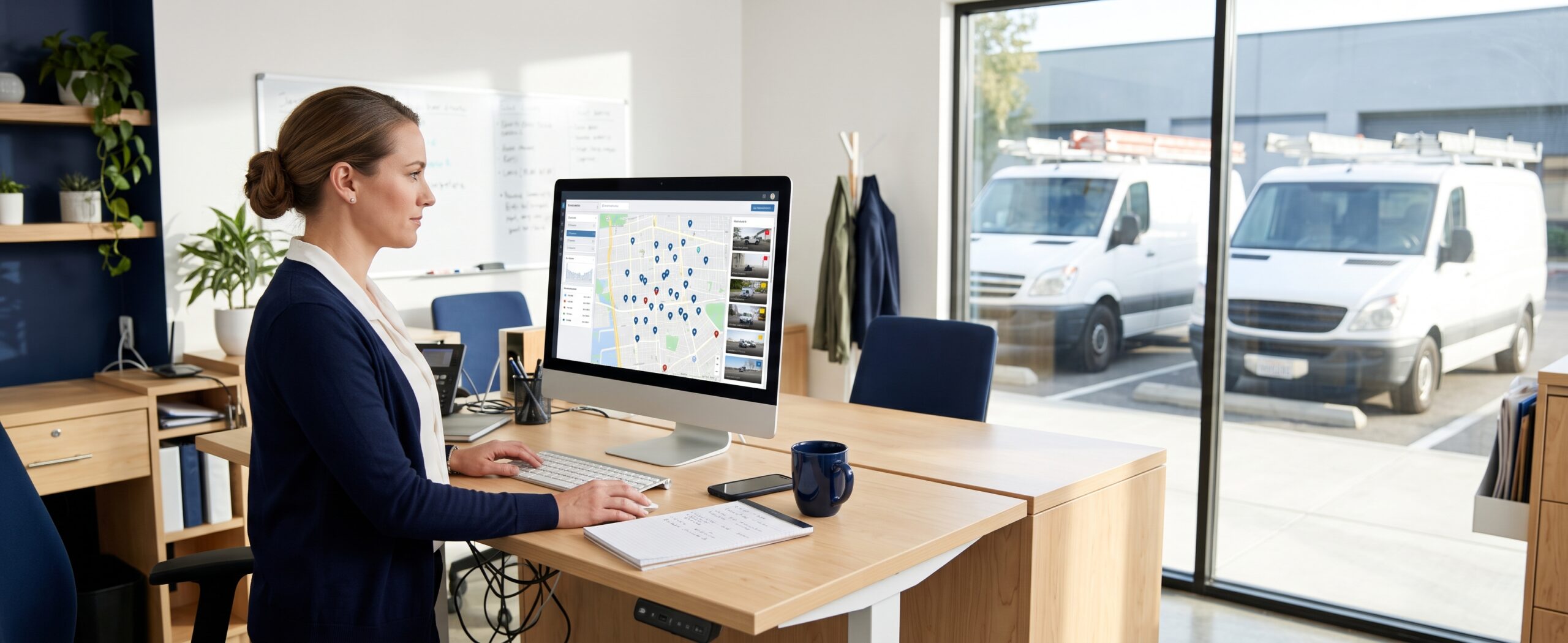
In FleetLive, the BrickHouse GPS fleet management platform, adding cameras means video appears alongside your tracking data, in the same account, with the same login. If you’re on Locate, your account rep can walk you through what moving to FleetLive involves.
Road-facing or dual-view. Road-facing covers what happened in front of the vehicle, which handles collisions and property claims. Dual-view adds the in-cab angle, which is the only practical way to answer a distracted driving allegation. Our guide to choosing a fleet camera system works through the trade-off, and state rules on in-cab recording and audio vary, so check our guide to dash cam laws before you order.
Where footage lives. In the Media Library, in the cloud, searchable and lockable. Nobody pulls an SD card.
Plans and terms. Month to month, no contract required. The 30-Day Risk-Free Trial is paid upfront with a refund option. Some features are tier-specific, so ask your rep before building a workflow around one.
Add cameras to your BrickHouse GPS account
Talk to your account rep about which vehicles to start with and which camera configuration fits the work your fleet does. If you’re not a customer yet, the same conversation starts with your event history.
See the cause behind every alertTalk to your rep about adding cameras to your fleet
Frequently asked questions
Do I need to replace my GPS trackers to add cameras?
No. Cameras are added alongside the tracking hardware already in your vehicles, and both report into the same platform, which is what makes GPS tracking with video work as one system rather than two. Your existing history, geofences and reports stay as they are.
Can I put cameras on only part of my fleet?
Yes, and that’s the common approach. Rank vehicles by event history, route type and hours on the road, then start with the vehicles at the top. Tracked vehicles without cameras keep working exactly as they do now.
Do I need a different platform to manage the video?
No. Video lives in FleetLive alongside the tracking data, in the same account. There’s no separate app, no second login, and no correlating timestamps between two systems during a fleet event investigation.
How fast can I see footage after an alert?
Safety AI events arrive tagged with their own clip, so flagged events come with video attached and need no request. For anything else, Request Video pulls footage from a specific date and time without anyone touching the camera.
Will drivers see cameras as more surveillance on top of GPS?
Some will, until the first time footage clears one of them. Announce it before installation, explain it in terms of defending drivers against false claims, use the DriverSync AI app so drivers can see their own driver scorecard and incidents, and address patterns rather than individuals. A camera program introduced in writing lands differently from one discovered in a parking lot.
What is the difference between GPS tracking and GPS tracking with video?
GPS tracking records where a vehicle was, when it was there and how fast it was going. GPS tracking with video adds footage from a dash cam to the same event record, so a harsh-braking alert arrives with the clip that explains it. Location data confirms an event happened. Video shows what caused it.
Can dash cam footage be synced with GPS data?
Yes. When the camera and the tracker report into the same platform, each event carries its location, speed and footage together, and routes can be replayed with the video running alongside. That synchronization is the difference between an integrated system and two separate tools whose timestamps you match by hand.
What is a driver scorecard?
A driver scorecard is a safety rating built from recorded driving events such as harsh braking, harsh acceleration, cornering, speeding and camera-detected safety events. In FleetLive, administrators choose which events count toward the score and set each one to higher impact, lower impact or no impact at all.
What safety events can an AI dash cam detect?
Safety AI detections cover distraction, fatigue, seat belt use, smoking, phone use, collision warning, lane departure, pedestrian warning and tailgating. Each detection is tagged and paired with its own video clip rather than arriving as an unexplained alert.
How long is dash cam footage stored?
Footage cycles on a retention schedule, so clips are eventually overwritten unless something is done with them. In FleetLive, important footage can be locked in the Media Library so it survives that cycle, which matters because claims often surface weeks after the incident.
Does GPS tracking with video work on trucks, vans and equipment?
Cameras go on vehicles with a power source, so trucks and vans. Trailers and unpowered equipment are tracked by location rather than video, and both appear in the same platform, which keeps a mixed fleet on one map.